Free GHS label generator.
Build a GHS hazard label with official pictograms, signal word, hazard and precautionary statements. Print it or save it as a PDF. No account needed.
Preview
In the print dialog choose “Save as PDF” to download. Nothing you type leaves your browser.
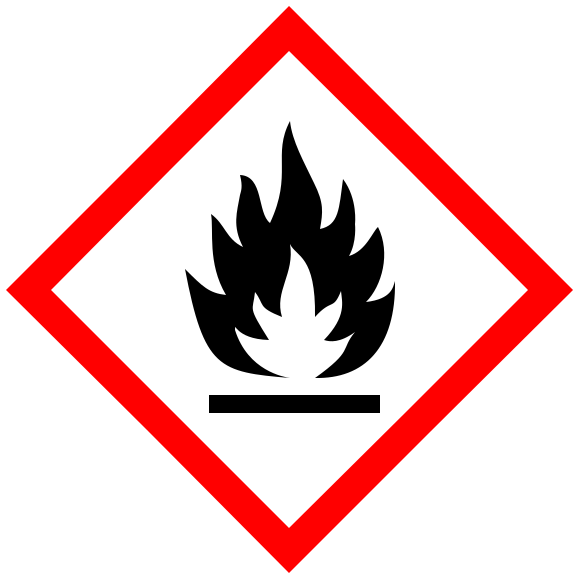
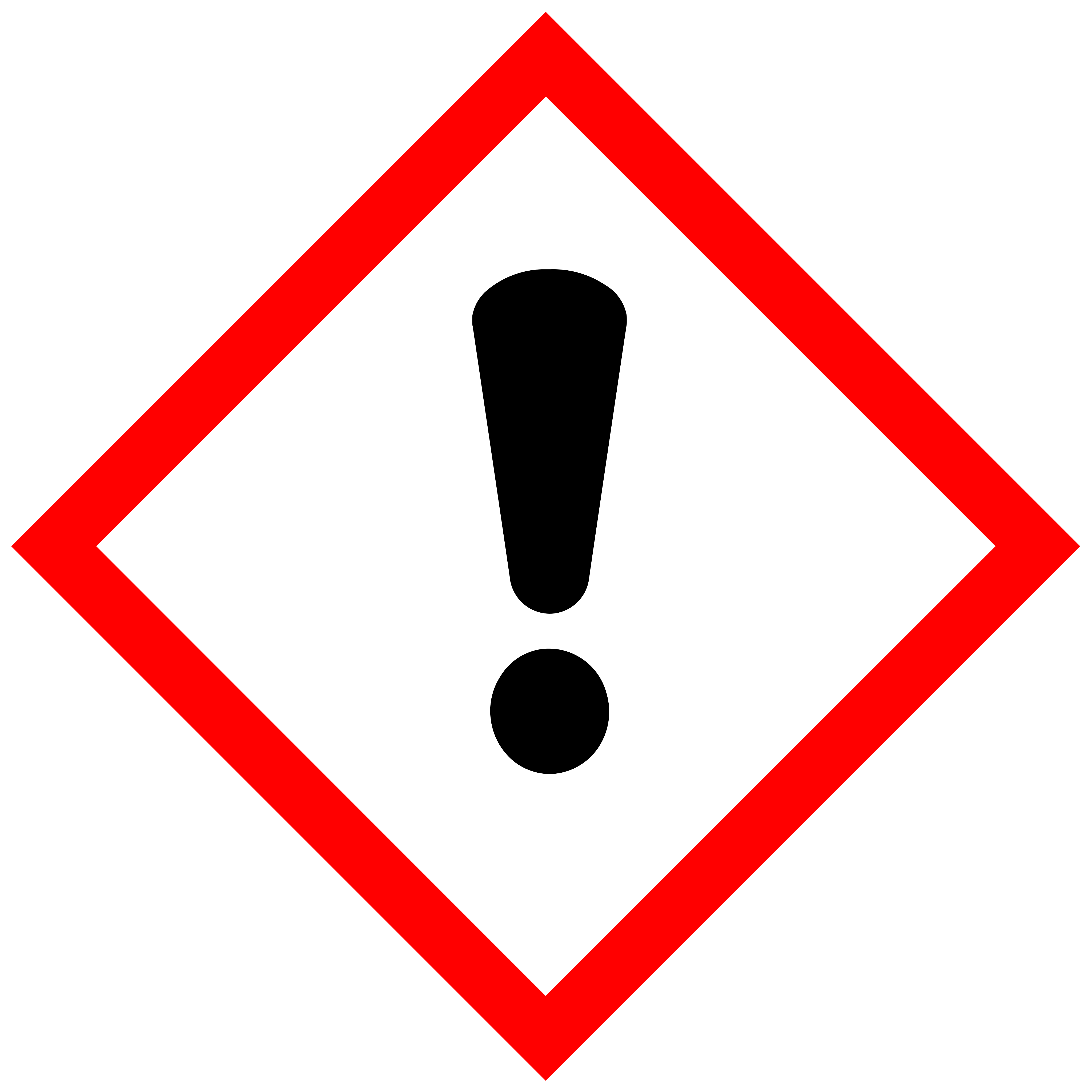
This tool lays out the label; it does not classify your product. Look up codes with the H-statement and P-statement lookups, check what each symbol means in the pictogram guide, and read the full label requirements.
Common questions
What must a GHS label include?
A GHS label shows the product identifier, hazard pictograms, a signal word (Danger or Warning), hazard statements, precautionary statements and the supplier's name, address and telephone number. EU CLP labels also show the nominal quantity for consumer packs and, for many mixtures, a UFI.
Is this label generator really free?
Yes. The label is built in your browser and printed or saved as PDF from the print dialog. Nothing you type is uploaded and no account is needed.
How do I know which pictograms and statements to use?
They follow from the hazard classification of the product. For a single substance, start from the chemical database, which loads the harmonised EU classification. For a mixture, the classification has to be calculated from the ingredients, which SDS Desk does for you.
What size should a GHS label be?
EU CLP Annex I sets minimum label sizes by container volume: at least 52 × 74 mm up to 3 litres, 74 × 105 mm up to 50 litres, 105 × 148 mm up to 500 litres and 148 × 210 mm above that. Each pictogram must cover at least one fifteenth of the label area and be no smaller than 1 cm².
Need the classification and SDS too?
SDS Desk calculates your mixture's GHS classification from its ingredients, then produces the label and a matching 16-section SDS that stay in sync. 3-day free trial.